Found the content on this page useful? Share it with your team!
The 7 Best Bid Management Software Tools for AEC Firms

.png)
Table of Contents
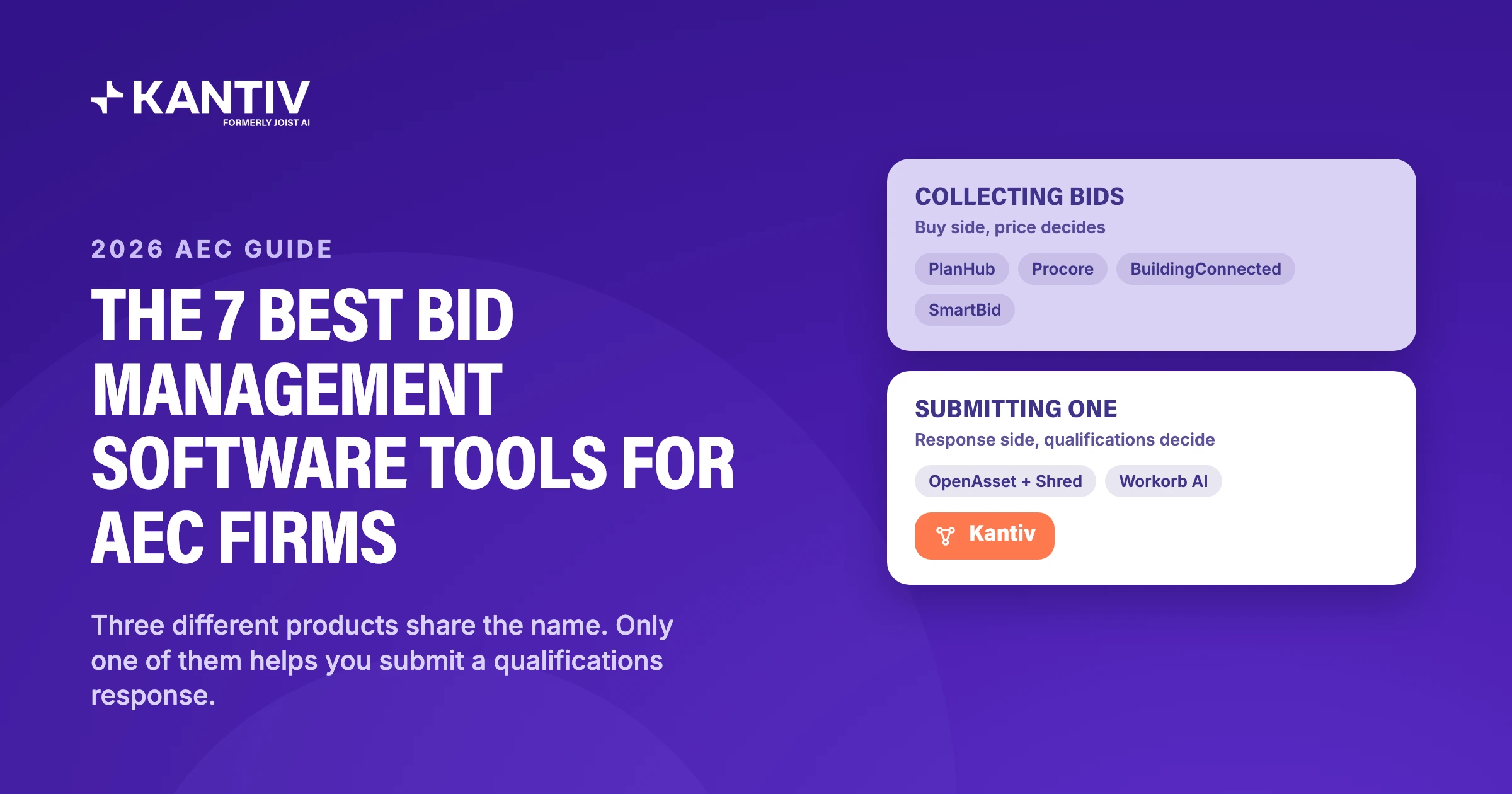
Ask a peer what bid management software they use and you will get bid boards, subcontractor invitation platforms, and construction management suites. In the US, that's what the term usually means: buy-side software for general contractors collecting bids. Buy-side bid management tools like Procore and BuildingConnected are great at what they do, which is helping the buyer invite subcontractors and collect what comes back. But if you’re an AEC team pursuing qualifications-based work, you need fast access to the right past project, the right person, and the proof connecting them to win business. Most buy-side bid management tools don’t fit that use case.
In this guide, we’ve split the field into two ranked lists: response-side tools first, for AEC teams writing the proposal, then buy-side tools for the contractors and owners collecting them.
What is bid management software for AEC firms?
Bid management can mean different things depending on your geography and use case. But in the simplest terms, it splits into two categories:
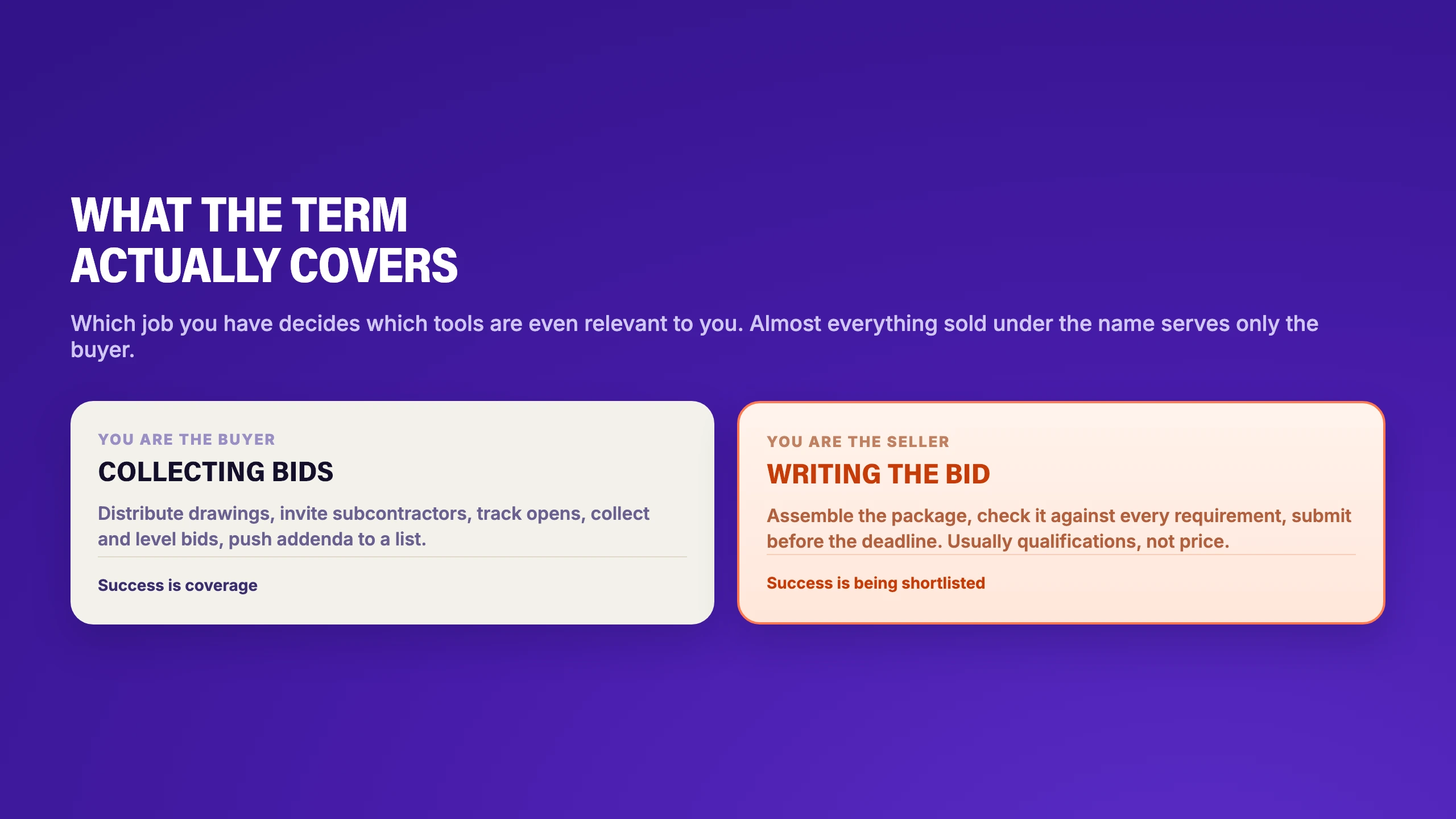
Collecting bids. You are the buyer. This typically manifests as a general contractor inviting subcontractors. The software distributes drawings, tracks who opened what, and collects and levels bids.
Writing bids. You are the seller. You assemble a proposal, check it against the requirements, and submit it before a deadline. For AEC firms, this is usually a qualifications package: an SOQ, an SF-330, or an RFQ followed by a shortlist and an interview. Bid management also splits by region. In the US, for instance, bid management almost always points to the buy-side. In the UK and Australia, a bid manager (more commonly called a proposal manager or RFP manager in the US), is typically the person who owns the bid response. If that sounds like you, the response tools below will be of the most interest. One more thing to keep in mind, because it will help determine which of the below tools best suits your firm: Not every response is scored the same way. In a hard bid, the low responsive bidder typically wins (i.e. pricing dominates), but the submission still carries schedule, qualifications, exclusions, and terms. In qualifications-based selection, which is how most public agency design work is procured, price is sealed or weighted separately, and a committee scores you against published criteria. Now, let’s look at how each of these tools resolves those distinctions.
Response-side bid management tools
If you’re assembling a qualifications package rather than collecting bids, these tools are built for you. To be clear: none of these products solicit or collect bids. They are proposal management tools, digital asset management tools, and, in Kantiv’s case, pursuit intelligence.
| # | Tool | What it is for |
|---|---|---|
| 1 | Kantiv | Qualifications pursuits grounded in your own past work |
| 2 | OpenAsset + Shred | Asset-led firms who need photography and resumes fast |
| 3 | Workorb AI | AEC records curated automatically (worth pressure testing) |
1. Kantiv
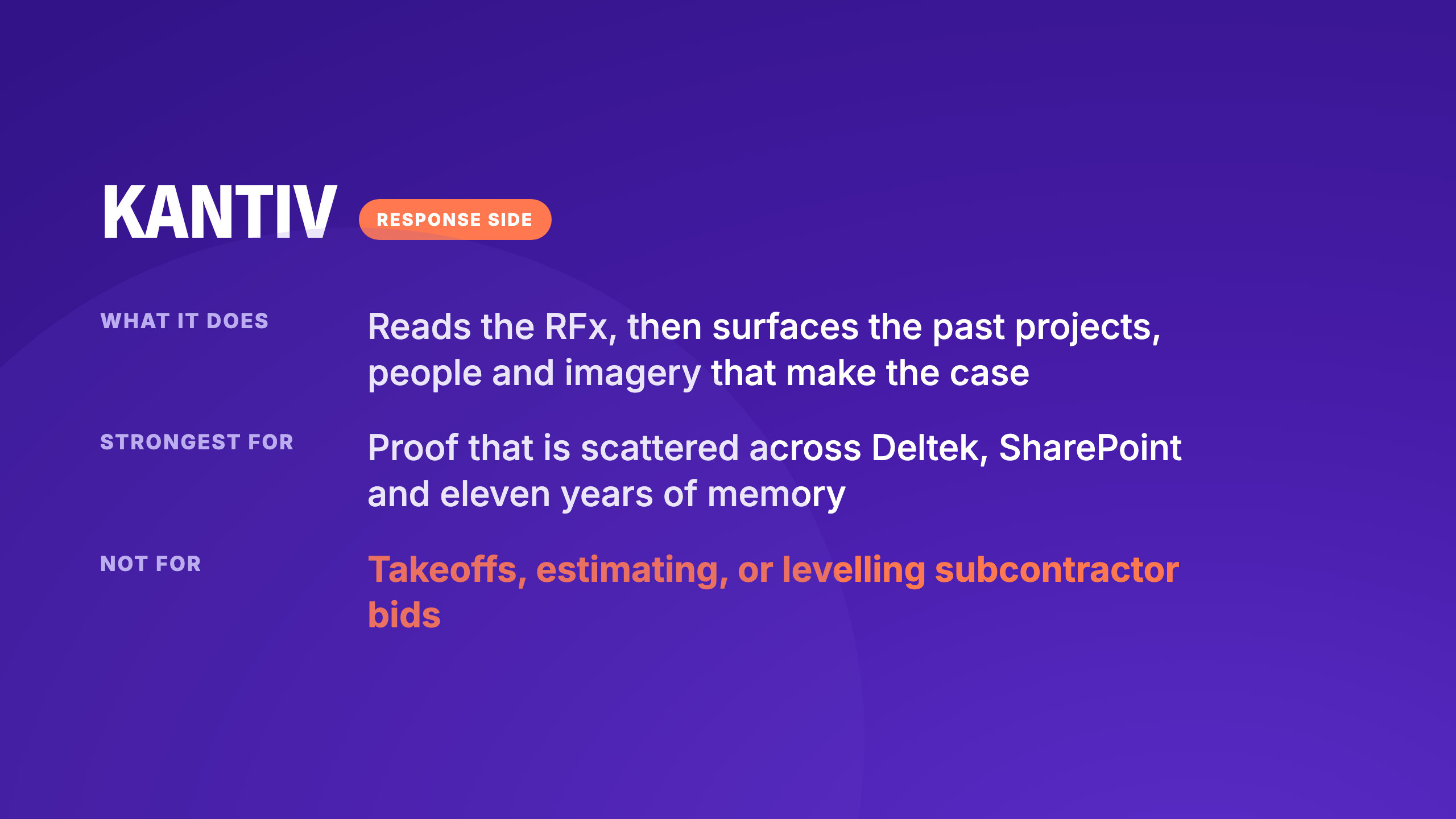
Kantiv (formerly Joist AI) is a pursuit intelligence platform for the response side, built specifically around qualifications-based work. It maps a firm's people, past projects, and historical performance into a structured Knowledge Graph, so the connections between them are held as data rather than in the memory of whoever has been at the firm longest.
What it does. Content flows in from SharePoint, Egnyte and Deltek. Upload the RFx and Kantiv analyses every requirement, surfacing the past projects with the strongest proof points for that specific opportunity, so the team sees what to lead with and what to reuse before anyone writes. It then structures the proposal response around those projects, pulling content and proof points from the knowledge base so every output is sourced and traceable, with contributors adding their sections in the platform and assets dragging straight from the image library into InDesign. Before submission, it runs every requirement in the RFx and flags anything unaddressed.
Where it stops. It does not solicit bids, and on a hard bid, it will not help with quantity takeoffs, cost estimating, or subcontractor quotes. What it carries on an ITB is the written half: the forms, qualifications, project experience, and compliance.
Strengths
- Built around SF-330 and SOQ work from the start.
- Claims trace to a document the firm owns, which matters when a response can be released under public records law.
- Connects to Deltek, Unanet, SharePoint and Egnyte, so content arrives without a migration project.
- Project imagery sits inside the same platform, so the photography does not need its own subscription.
- The graph builds from work the firm already does, so keeping a library current by hand isn't a separate job.
Limitations
- Does not price the work: no takeoffs, estimating, subcontractor quotes, or bid tabulation, and no soliciting or levelling.
- Built for qualifications work, not for security questionnaires or high-volume sales RFPs.
- Production design stays with your designers.
Best for. Architecture, engineering, and construction firms pursuing qualifications-based work who already have the material somewhere and cannot get to it quickly enough. Mortenson, one of the largest general contractors in the industry, reports saving 8 to 10 hours a week on proposal work.
2. OpenAsset + Shred
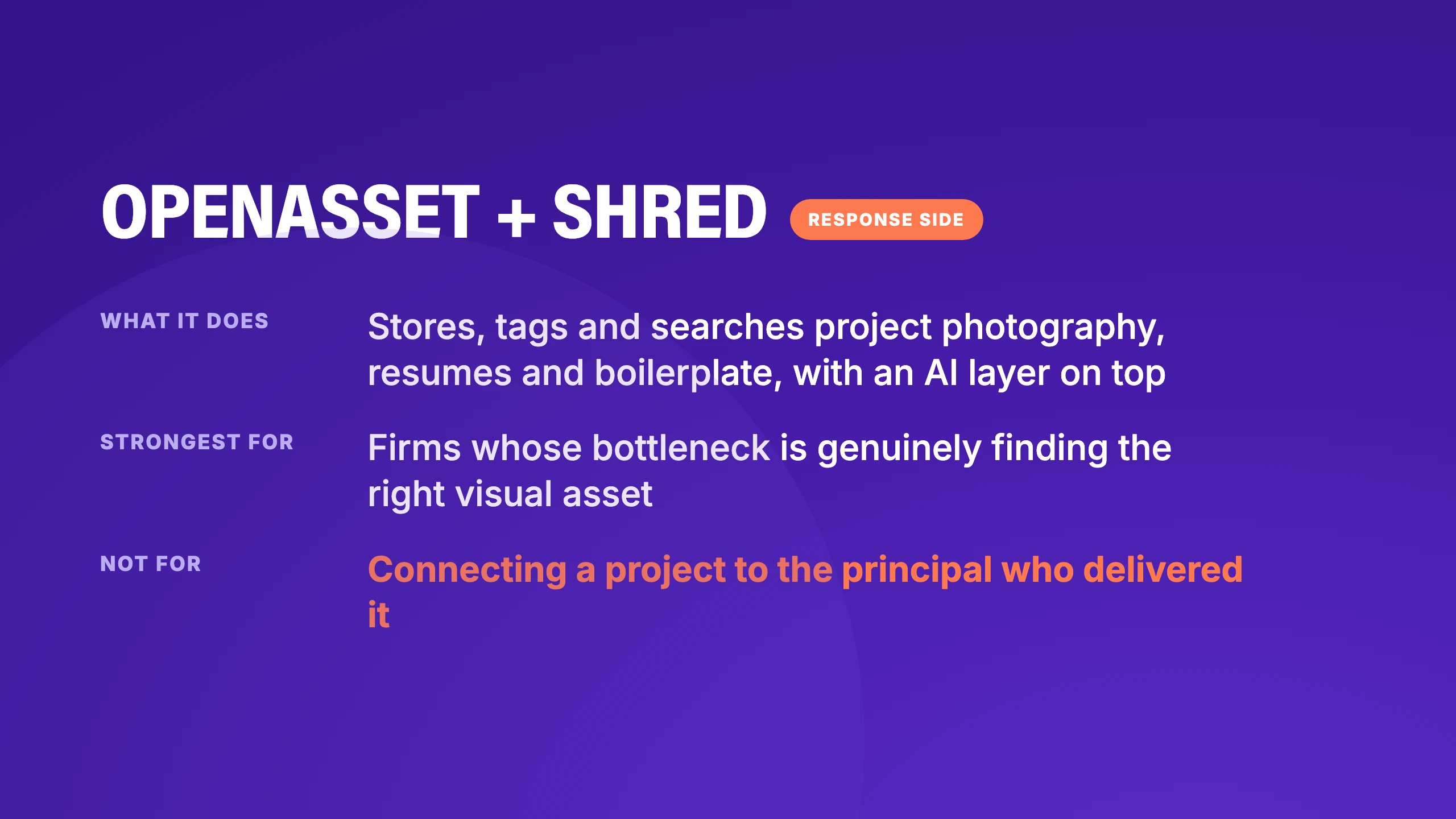
OpenAsset is a longstanding AEC digital asset management product, and Shred adds an AI layer for reading RFPs and gathering content into a response.
What it does. Stores, tags, and searches project photography, resumes, and boilerplate, with RFP analysis and compliance checking layered on top. If you're already an OpenAsset customer, your images, resumes and project sheets are already in the system, so Shred has content to work with on day one.
Where it stops. The model is organized around the asset, which is a structural limit we have written about at length. A file-centric structure is excellent for finding the right photograph of the right building; but it cannot tell you which principal delivered that project, and which of your people makes the strongest case for the scope in front of you.
Strengths
- Two decades in AEC image libraries, with tagging and search built for how firms actually store project photography, and a brand-production story that runs straight into InDesign.
- Existing OpenAsset firms get an AI drafting path without changing platforms.
- Years of integration into the AEC stack behind it, including Deltek Vantagepoint.
Limitations
- The core product is a file and image manager, which requires considerable maintenance.
- AI search model runs on a general-purpose base, per OpenAsset’s own documentation.
- Worth testing how well it connects a project to the principal who delivered it.
- Worth testing against qualifications-based SOQ work specifically, rather than design and technical narrative.
- Output is only as good as the metadata somebody maintained.
- The DAM and the AI layer are separate products working together, so it is worth testing where the seams show in a live pursuit.
Best for. Firms whose bottleneck is genuinely finding visual and written assets, particularly existing OpenAsset customers.
3. Workorb AI
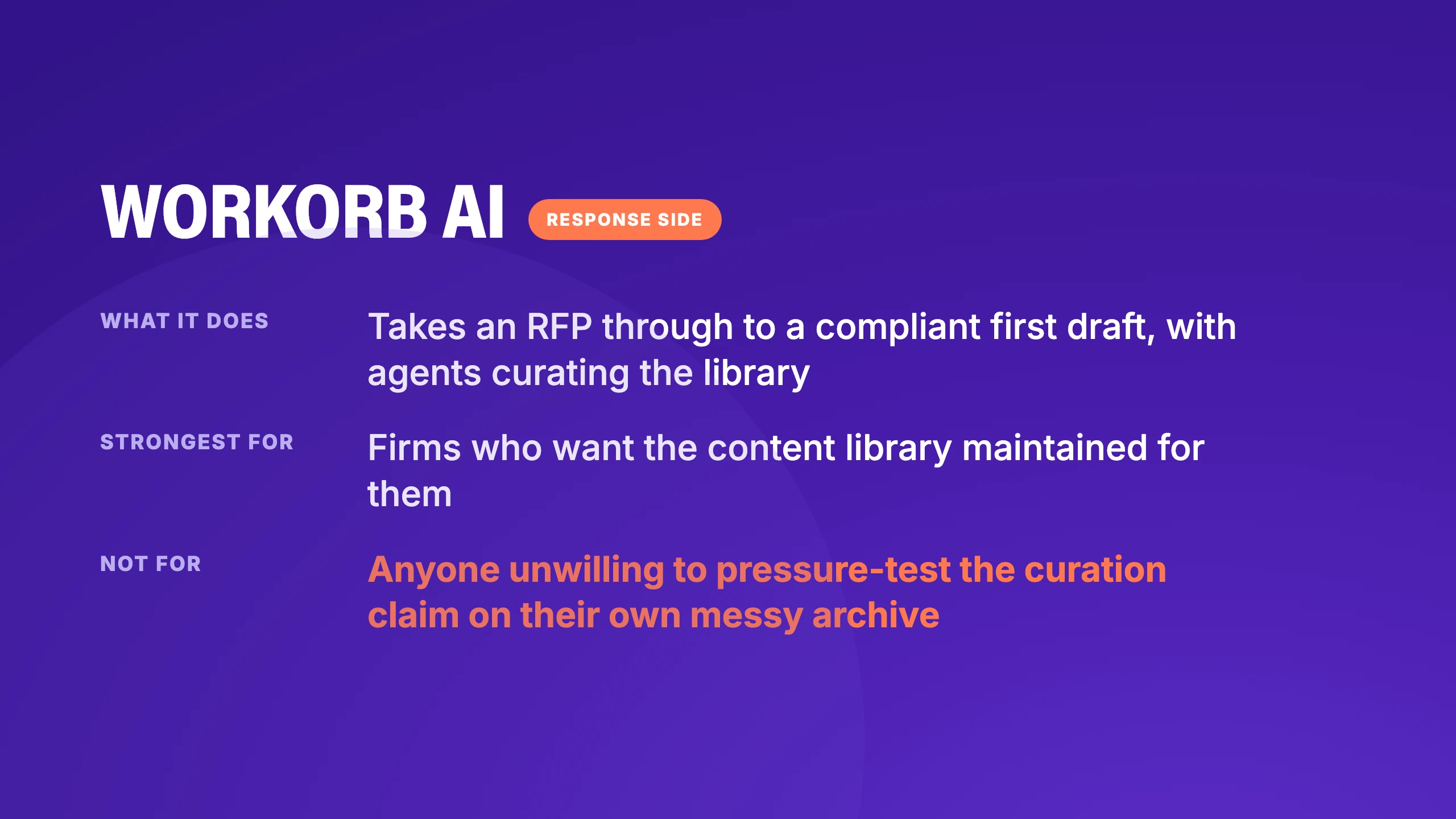
Workorb is purpose-built for AEC proposal automation. It takes an RFP through to a compliant first draft, with source-tracked drafting, governance, and data isolation throughout.
What it does. Its Knowledge Hub connects to Deltek Vantagepoint, Unanet, SharePoint, OpenAsset, and Procore, and curates that data automatically rather than asking a coordinator to maintain the library by hand. Project records are structured for AEC content types including PE stamps, DBE and MBE status, and safety metrics. Section templates match SF-330 and SOQ structures natively, a Relationships Hub maps the firm's client and contact network, and Go/No-Go scoring runs against the firm's own criteria.
Where it stops. Automated curation is the central promise, and the company puts time-to-value at 48 hours, so ask to see it run against your messiest historical folder.
Strengths
- A broad connector set, spanning ERP, document management and construction systems.
- AEC record types are native, down to PE stamps, DBE and MBE status and safety metrics.
- SF-330 support is built into the content model, not bolted on afterwards.
- Compliance checking sits inside the workflow rather than after the draft.
Limitations
- A newer entrant, so the long-term customer references the incumbents carry are still building.
- Pricing is not published, so a budget conversation needs a demo first.
- The Relationships Hub and BD features widen the platform; a firm that only wants proposal automation will pay for surface it does not use.
- Automated curation is the central claim, and it is the thing to pressure-test in the demo with your own data.
Best for. AEC firms who want the library maintained for them and are willing to verify that claim against their own data.
Buy-side bid management tools
If you're the buyer, inviting subcontractors or primes, or collecting what comes back, these four are built for that job. Not for writing a qualifications response.
| # | Tool | What it is for |
|---|---|---|
| 1 | PlanHub | Subcontractor network and trade coverage |
| 2 | Procore | Bidding inside a full construction platform |
| 3 | BuildingConnected | Bid leveling, plus subcontractor risk and qualification |
| 4 | SmartBid | Focused preconstruction bid management |
1. PlanHub
PlanHub is a bid solicitation and subcontractor network platform, and the name most people land on first when they go looking.
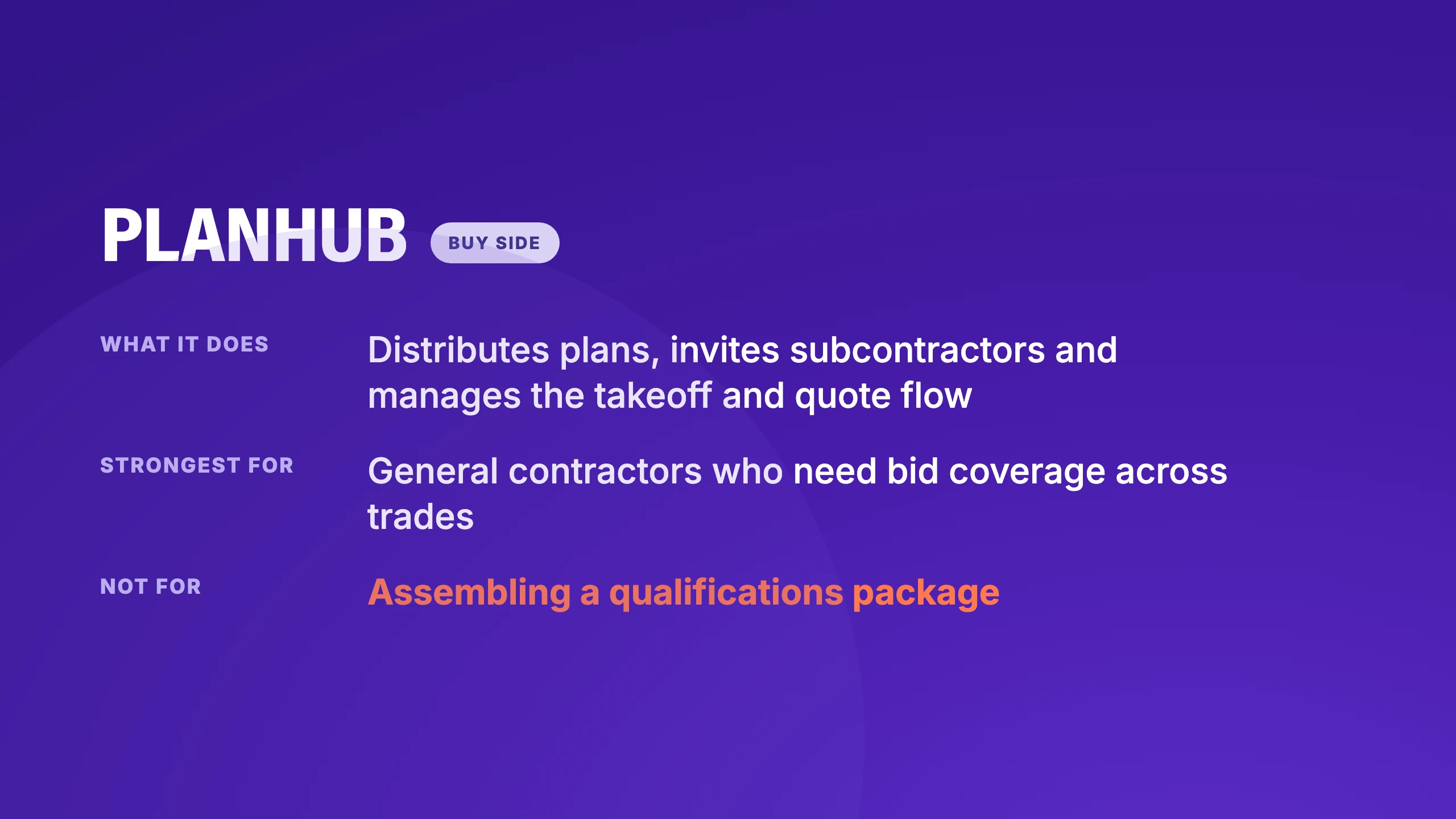
What it does. Distributes plans, invites subcontractors, manages the takeoff and quote flow, and gives general contractors coverage across trades. There is also a discovery side for subs looking for work to bid.
Where it stops. It is built for the buyer of subcontracted work. Assembling a qualification package isn't part of what it does, because that's not the problem it set out to solve.
Strengths
- A genuinely large subcontractor network, which is most of what a general contractor is buying.
- Takeoff and quote flow handled in the same place as distribution.
- Free for subcontractors looking for work, which is why coverage is good.
Limitations
- Assembling a qualifications package isn't part of the workflow, because that wasn't the job it was built for.
- Aimed at the buyer of subcontracted work, so an AE firm is not the customer.
- Network quality varies by region and trade.
Best for. General contractors who need bid coverage across trades, and subcontractors hunting for opportunities.
2. Procore
Procore is construction management software with bid management as one module inside a much larger system.
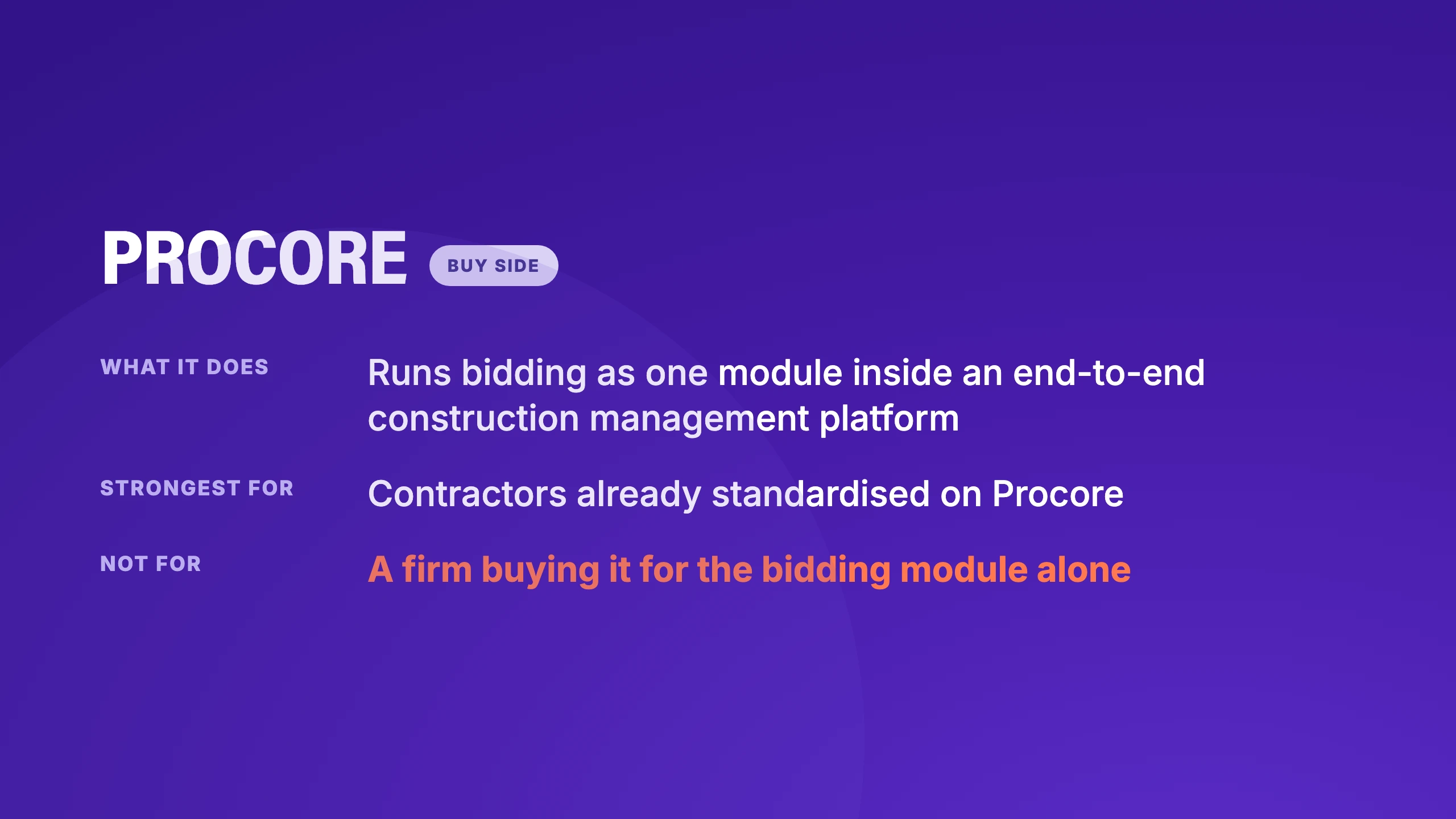
What it does. Runs bidding as part of an end-to-end project lifecycle, so invitations, drawings, addenda, and awarded contracts stay connected to the project record that follows them into construction.
Where it stops. The value depends almost entirely on whether you are already running Procore. Bought only for bidding, it is a large amount of platform for one job, and it addresses the solicitation side rather than the response side.
Strengths
- Bidding stays connected to the project record that follows it into construction.
- Addenda and drawing distribution are handled where the drawings already live.
- Adoption is close to free if the firm already runs Procore.
Limitations
- A large amount of platform to buy for one module.
- Solicitation side, and it will not help you write a submission.
- Value drops sharply for a firm not already standardized on it.
Best for. Contractors already standardized on Procore who want bidding inside the same system as the rest of the project.
3. BuildingConnected
BuildingConnected, part of Autodesk, is a bid management and risk platform built around a large network of contractors and subcontractors.
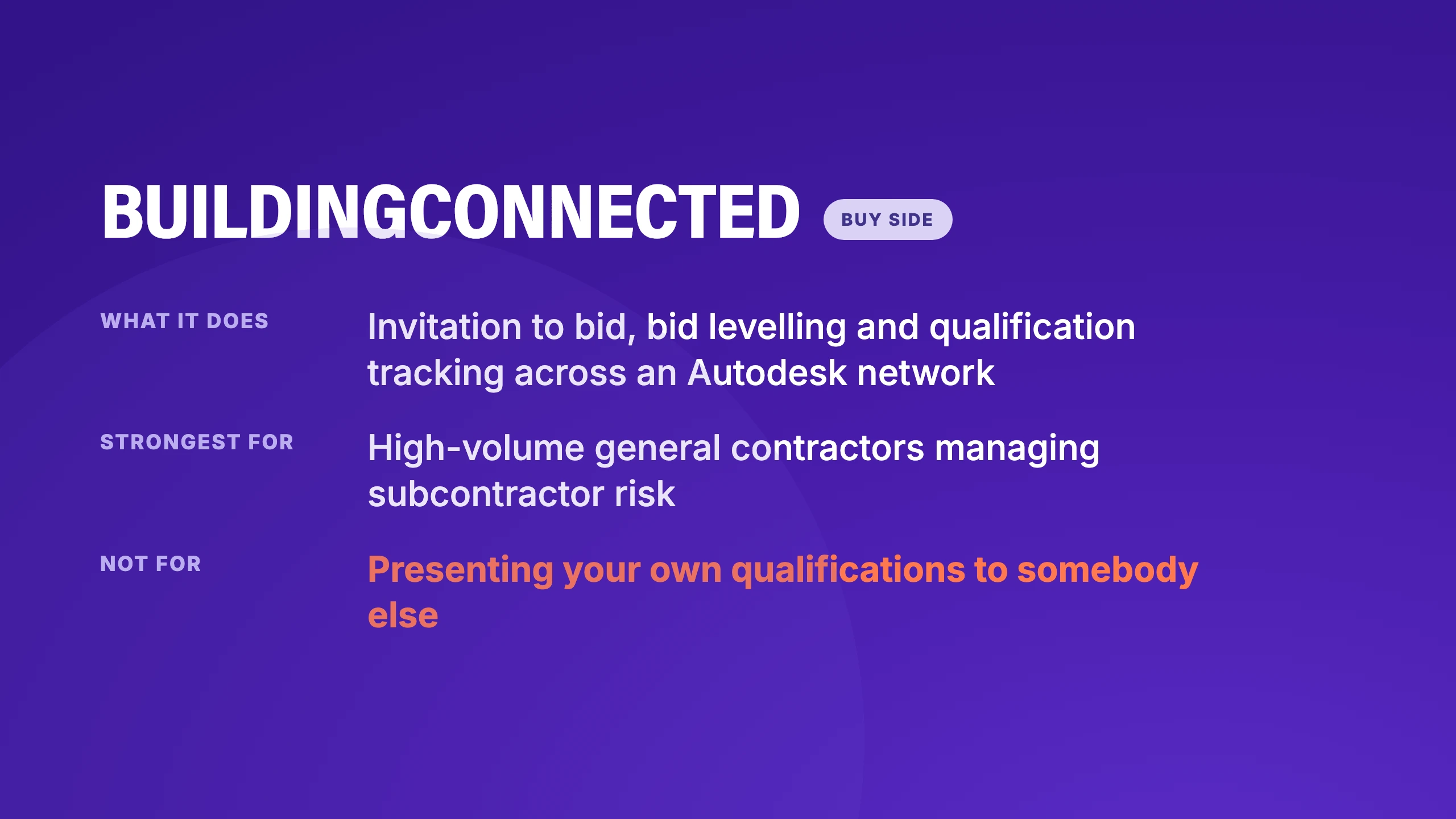
What it does. Invitation to bid, bid levelling, and qualification tracking on subcontractors, with the network itself as a significant part of the value.
Where it stops. Same side of the table as PlanHub and Procore. Its qualification features assess the firms bidding to you, not the qualifications you are presenting to somebody else, which is the opposite direction from what an AE firm needs.
Strengths
- Bid levelling and subcontractor risk in one place, which is real work for a high-volume GC.
- The Autodesk network is a meaningful asset on its own.
- Qualification tracking has been there long enough to be properly built out.
Limitations
- Its qualification features assess the firms bidding to you. Your own case for a client is a different problem it wasn’t built for.
- Buy side throughout, so it points the opposite direction from an AE pursuit.
- Priced for volume, which makes it hard to justify at low bid counts.
Best for. General contractors managing high bid volume who want subcontractor risk and qualification in one place.
4. SmartBid
SmartBid is bid management focused on the general contractor's preconstruction workflow.
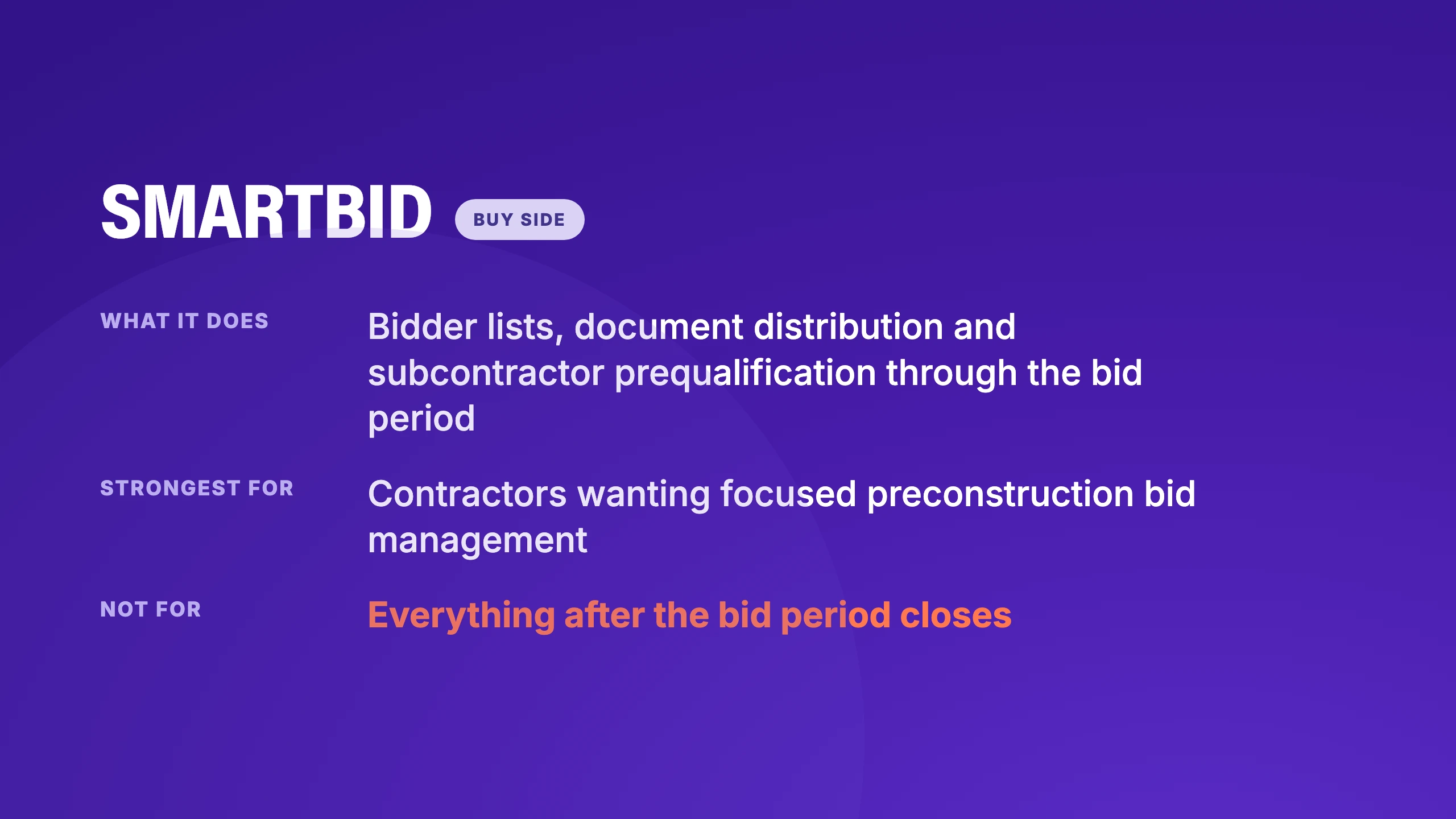
What it does. Manages bidder lists, document distribution, and communication through the bid period, with prequalification of subcontractors built in.
Where it stops. Buy-side again, and narrower in scope than the platforms above. Useful precisely because it is focused, and irrelevant if you are the one submitting.
Strengths
- Focused on one job and does it without asking you to adopt a platform.
- Subcontractor prequalification comes with it, no separate module to buy.
- Lighter to roll out than the larger systems here.
Limitations
- Narrower than the platforms above, so it grows out of scope quickly.
- Buy side again, and irrelevant if you are the one submitting.
- Little to offer once bidding is closed.
Best for. General contractors who want preconstruction bid management without adopting a whole platform.
What bid management software can’t fix for you
Every product here promises to save time. But time is rarely the binding constraint in a qualifications pursuit. The lever that actually changes outcomes is which pursuits you chase.
Scott Butcher, writing in ENR, described a case most AEC marketers will recognize immediately:
[A marketing pro filtered an opportunity through go/no-go; it was a definite 'no go.'] She was overruled by a project manager who insisted the firm pursue it because 'he felt good about their chances.' The marketing team spent 60 hours on the pursuit, and the firm didn't even get shortlisted.
Sixty hours is most of a coordinator's fortnight, spent on something the process had already flagged. Faster document assembly doesn't recover that. A go/no-go discipline that survives a principal's optimism does.
The same trap shows up with the AI features every one of these tools now advertises. One govcon proposal lead put the limit plainly in r/govcon:
If ChatGPT has no knowledge of your company's profile and past performances and all the details of the contract you're bidding on the generated proposal it usually generates is garbage.
People who run pursuits for a living describe AI as a force multiplier, which cuts both ways: multiply weak inputs, and the output looks more polished while you still lose. The failure mode has a name in the community, the finished document delusion, where a team uses AI to get past the blank page and ends up with something technically compliant and strategically empty.
This is worth knowing before you buy anything, because it reframes what you are shopping for. If your win rate is low and your volume is high, the problem is more likely selection than production, and software that makes production faster will let you lose more pursuits per quarter rather than fewer.
When a spreadsheet is still the right answer for AEC firms
Not many vendors will tell you this outright: If your firm submits fewer than roughly one response a month, your content lives in a place two people can navigate, and you are not repeatedly missing requirements, a shared folder and a checklist are doing the job. The cost of any tool here is the several weeks of time required to load and clean past proposals, project profiles, and resumes before the software provides value.
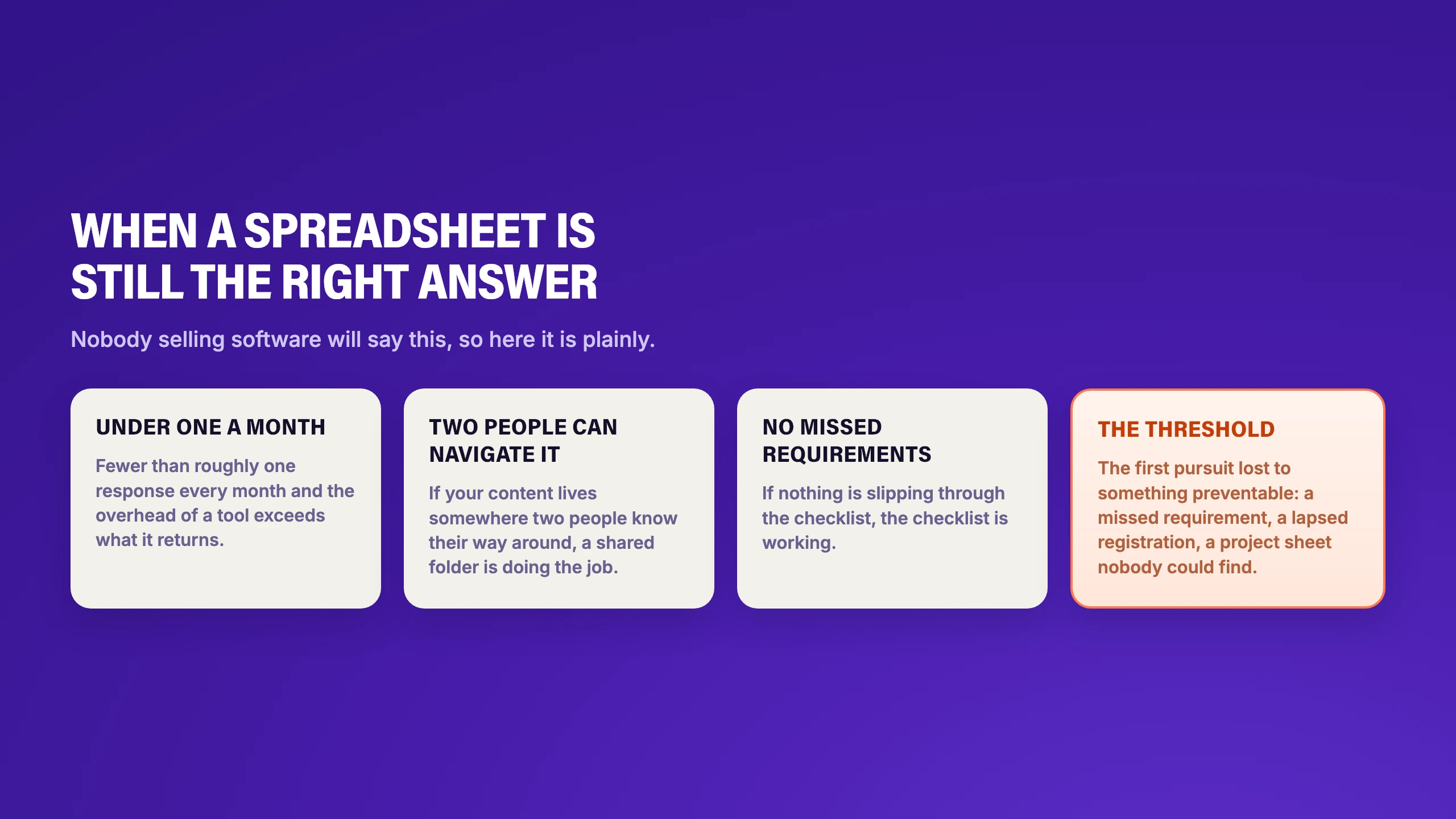
The threshold to pay attention to is the first time you lose a pursuit for a reason that was preventable: a missed requirement, a lapsed registration, or a project sheet that couldn't be found before the deadline.
How to demo bid management tools
Whichever side of the table you are on (for our money), the demo protocol should be the same.
- Bring a real solicitation you have already been through. Ideally one you lost, where you know what the debrief said.
- Load only what you had at the time. No tidying the archive first. The point is to see the tool meet your content as it really is.
- Ask for the hard part. Skip the boilerplate and make them show you requirement extraction, personnel matching, or on the buy-side, levelling a messy set of quotes.
- Check every fact it produced. Go through the references, the people, the licenses and the dates, and count how many were wrong or unverifiable.
- Ask what it costs to be useful. Count it in past proposals loaded and coordinator weeks, and treat the monthly figure as the smaller number.
Pro tip: Run the same script with every vendor on your shortlist, and you’ll have a good idea which tool suits your firm best.
How to choose the right bid management software
Still wondering which tool is right for you? Start with the routing question. It eliminates most of this list in one move. If you are collecting bids from subcontractors, the answer is one of the solicitation platforms, and the rest of this page is not for you.
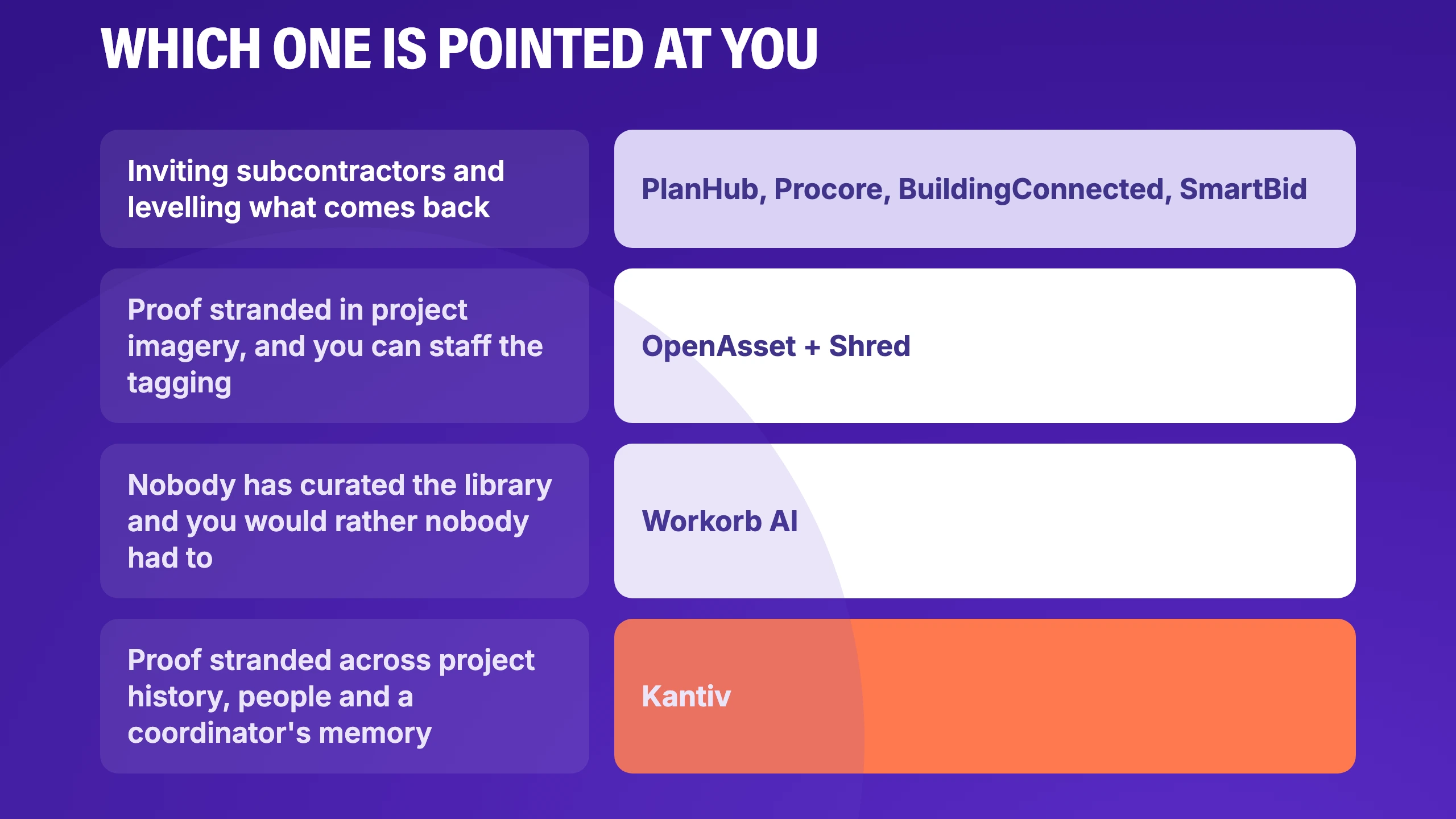
If you are the one being evaluated, the buy-side tools are not built for that, and the real question is what your response process is grounded in. A folder of files tells you where things are. A content library tells you what you have written before. On their own, neither reliably tells you which of your people and projects makes the argument for this particular pursuit, which is the thing an evaluation committee is actually scoring.
Closing that gap is what Kantiv was built for. Somewhere in your archive sits the project that proves you can do this work, the principal whose record makes the case, and the debrief explaining why the last pursuit went the other way. Most of it isn't somewhere a coordinator can reach on a deadline.
Kantiv holds that material as connected knowledge rather than scattered files, so the connections between a project, the people who delivered it, and the client who bought it survive.
Want to see it in action? Book a demo, and we’ll run the protocol in this piece together.
FAQs
What is bid management software? It is three different products sharing one name. Solicitation tools help you invite and collect bids from subcontractors or suppliers. Discovery tools find opportunities out for bid. Response tools help you assemble and submit. Almost everything marketed under the name is a solicitation platform, which is why it feels like the wrong aisle when your job is submitting. The term also splits by region. In the US, it usually means the solicitation platforms above. In the UK and Australia, a bid manager is typically closer to what a US firm calls a proposal manager or RFP manager, the person running the response, not collecting it. If that's your role, start with the response side tools in this guide.
What is the difference between bid management and proposal management? Bid management usually means the buy-side workflow around collecting and comparing bids, often where price decides. Proposal management means assembling the response, and in AEC that response is normally a qualifications package rather than a price. If your work is procured through an RFQ, a shortlist, and an interview, proposal management is your category and we compared those tools in our guide to AEC proposal management software. If the documents you answer are numbered question lists rather than qualifications packages, the RFP software comparison is the closer fit.
Do architecture and engineering firms need bid management software? Rarely in the solicitation sense, unless the firm also acts as a prime awarding subconsultant work. What AE firms usually need is response-side software, which is a different product with different features and a different buyer inside the firm.
Can one tool handle both sides? Some platforms claim to. In practice the data models pull in opposite directions: a solicitation tool is organized around bid packages and bidder lists, and a response tool is organized around your own projects, people, and past performance. Firms that genuinely do both tend to run two systems rather than compromise on one.
What does it cost to get useful? Plan on several weeks of a coordinator's time loading and cleaning past proposals, project profiles, and resumes, regardless of which tool you choose. Vendors promising instant value from your existing archive are shifting that work rather than removing it.
How does AI change bid management? On the response side it is useful for extracting requirements and checking compliance, which is where being fast and literal is an advantage. It is far less reliable for the parts an evaluator actually scores, and a general model can’t independently verify that a project reference or a license is real. On the buy-side, machine-scored evaluation of supplier bids raises questions a public procurement officer will ask before you do.
Disclaimer: This comparison was prepared by Kantiv based on publicly available product information and documentation at the time of review. Product features, pricing, plans, and availability may change and may vary by configuration. While we strive to keep this information accurate and current, this comparison may not reflect all available product details. For the most current information, please consult each vendor directly.